Accommodation
You’re travelling all this way to celebrate our big day(s) with us, and we’re truly grateful—so we’re delighted to take care of your stay in return.
We’ve arranged and are covering all accommodation for the nights of 20–24 January (inclusive), so you can simply relax and enjoy with us.
You’ll be staying in comfortable, clean and safe 4★+ hotels and resorts.
We’ll share the exact hotel details closer to the wedding, but here’s a sneak peek:
20 & 21 January: A hotel in central Kochi
22 January: A stay in Thodupuzha
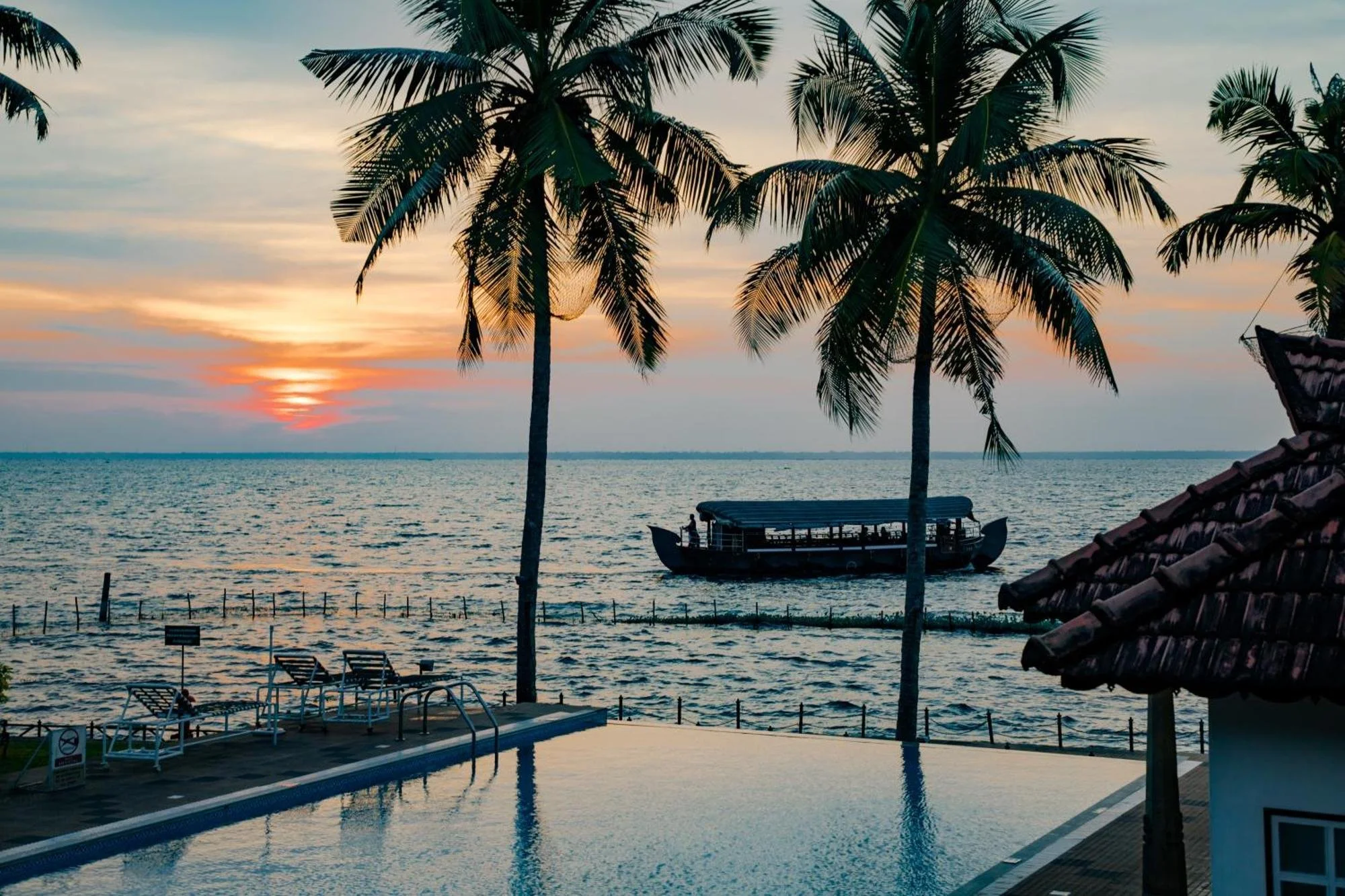
23 & 24 January: Backwater Ripples, Kumarakom
We can’t wait to host you, and to celebrate this special time together.
Flights & transportation
Kochi Airport (Cochin International Airport) is where you’ll want to land and take off from. Singapore Airlines and Malaysian Airlines offer the most efficient and comfortable journeys from Melbourne. Air Asia also operates the route, but expect longer stopover times and a less premium airline experience - we have also recently experienced our own flight cancellations and significant route delays from Air Asia, so please keep this in mind.
Note that some flights arrive in late night on 20th January, or even early morning (like 00:30 am on 21st January). This is fine, because the important thing is that for the night of Wednesday 20th January, you’re sleeping in Kochi and ready to wake up and join the group for breakfast on Thursday 21st January. If you have any doubts about which flights to choose, just contact Kristen.
Please arrange your own transportation to and from Cochin Airport on arrival and departure days. We recommend the below company for airport pick up and drop off, as well as transport for any further travel in Kerala. Please let Sonet know that you are coming for the wedding of ‘James Luke and Kristen’, and he will look after you.
Series Tours Contact: Sonet Abraham Website
Contact number (Whatsapp): +91 70345 20002 and +91 90166 37019
Email: sonet@seriestours.com
Complimentary group transportation is arranged for guests whenever we are moving as a collective - to our wedding venues and to other group activities.
All Australians travelling to India will need a visa, which is applied for online through the official Indian Visa Online website - run by the Government of India. To make sure you’re using the correct and secure site, start with the Australian Government’s Smart Traveller website, which provides the official visa link. It’s best not to simply Google “India visa” and click on a link, as unofficial or scam sites are common search results.
For tourism, you’ll need an e-Tourist Visa, which comes in 30-day, 1-year, or 5-year options. We recommend applying around three weeks before you travel so everything is sorted well in advance. While the official guidance says you can apply as little as four days before departure, January is peak season for India, and processing times can be longer. Note: the 30-day visa can only be applied for within 30 days of your arrival date.
Once you’ve submitted your application and paid the fee, you’ll receive a confirmation email letting you know your application is being processed. You can track the status at any time using your application number on the official website. When your visa is approved, you’ll receive an email notification. From there, you’ll need to go back to the visa website, select “Check Visa Status,” and download your approved visa as a PDF using the “Print Status” option. This PDF document is your official visa, so please print a copy and carry it with you when you travel - have a digital copy saved on your phone too. You’ll need to present the printed Visa (PDF) at the airport when you depart and again on arrival in Kochi. It’s also worth double-checking the details, especially the “first date of entry must be on or before” section, to make sure everything lines up with your travel plans.
In addition to the visa, you’ll also need to complete an e-Arrival Card within 72 hours before arriving in India. We recommend filling this out on a laptop or desktop before you fly, as submitting it via mobile phone is frustrating and glitchy. You can also include family members or travel companions in the same form. Once submitted, you’ll receive a confirmation email with a PDF and QR code. If you don’t receive a separate document for each traveller, don’t worry—this is completely normal, and everyone included is still covered under the same submission and QR code. You can print this out also, but a digital copy on your phone is fine too.
BONUS special tips for navigating the Indian Visa Online website:
The India Visa Online website can be frustrating, and can randomly crash…over, and over, and over… which makes you have to restart filling the form on whatever page it crashed on. We strongly recommend first-up using Microsoft Edge as your browser. If you’re having issues with the site crashing, move to Mozilla Firefox, and if you’re still having troubles download ‘DuckDuckGo’ browser.
When filling in your phone number on the application form, don’t use the ‘+’ sign before your digits - the system won’t accept it.
If you’re having trouble paying for your Visa using Credit Card (i.e. site won’t accept payment/site crashes), just use the PayPal option. Your Visa application will not move to processing until you clear payment.